How to Migrate from Chargebee: A Step-by-Step Guide
A practical, risk-aware playbook for moving your subscriptions, invoice history, and payment mandates off Chargebee without disrupting your customers.
Introduction
Chargebee, founded in 2011, is one of the established names in subscription billing, and plenty of companies have run on it for years. So why do teams decide to move off it? The reasons tend to cluster. Some teams outgrow batch-based usage billing and need real-time, usage-based pricing that their current setup cannot support cleanly. Others get frustrated that core capabilities are sold as separate paid layers: CPQ as a paid Salesforce package, revenue recognition as a paid add-on, each with its own implementation timeline. And some teams simply find that standing up a new tool or workflow on their existing stack takes 4 to 6 months, which is too slow for a business that wants to ship pricing changes in days, not quarters.
Whatever the trigger, the decision quickly runs into a more practical question: how do you actually migrate without breaking anything? Billing is the system of record for your revenue. A botched migration can mean failed charges, duplicated invoices, lost mandates, and confused customers. This guide walks through the full migration in plain terms: what is at stake, how to prepare, the step-by-step process, and how an automated migration changes the math. The goal is to help you run the project safely, whichever destination you choose. Where it is relevant, we explain how Hyperline approaches the same problem.
What is at stake in a billing migration
Before touching a single record, it helps to name what you are actually protecting. A billing migration is not a data export. It is the relocation of the system that collects your revenue, and four things are genuinely on the line.
Data integrity. Subscriptions, invoice history, coupons and discounts, proration rules, and tax configuration all have to land in the new system with the same meaning they had before. A subscription that migrates with the wrong renewal date or the wrong quantity will silently overcharge or undercharge a customer. Invoice history matters for accounting, audits, and any customer who asks for a past receipt, so it has to come across intact and immutable.
Payment mandates. This is the part teams most often underestimate. A direct debit mandate (for example, a GoCardless mandate) is a legal authorization to pull money from a customer's bank account. Card tokens and payment methods are similar: they represent an established, working relationship with a payment gateway. If these are not transferred correctly, you cannot collect, and asking thousands of customers to re-enter payment details is the fastest way to lose revenue and trust.
End-customer experience. The best migration is the one your customers never notice. No surprise emails, no re-authentication, no double charges, no gaps in service. Revenue continuity depends on it, and so does your brand.
Revenue continuity. Billing runs on a clock. Renewals, dunning, and usage charges happen on fixed dates. The migration has to slot into that clock so that no billing cycle is skipped and none is run twice.
Pre-migration checklist
Most migration problems are really preparation problems. The work you do before exporting anything determines how smooth the cutover will be. Treat this phase as mapping the territory, not as busywork.
Audit your current setup. Pull a complete inventory of what lives in Chargebee today: active subscriptions, paused and canceled subscriptions, trials, plans, add-ons, and the full invoice history. Note volumes (how many subscriptions, how many customers, how many invoices) because volume drives the validation effort later.
Document your pricing models. Write down every plan as it actually behaves, not as it was originally designed. Capture billing frequency, currencies, tiered or volume pricing, proration logic, coupons and discounts, free trials, and any usage-based components and how they are metered. This document becomes the specification you rebuild against, so the more precise it is, the fewer surprises you hit.
List your integrations. Map everything connected to billing: your payment gateways, your CRM (HubSpot, Salesforce, or Attio), your accounting and ERP tools, your data warehouse, and any internal services that call the billing API or consume its webhooks. Each integration is a thread you will need to reconnect on the other side.
Identify your payment mandates. Separately and explicitly, list how you collect money: which customers pay by card, which pay by direct debit, and through which gateways. Flag GoCardless mandates and any other direct debit mandates as their own category. These are the records that most influence which migration approach is even feasible, so surface them early.
The migration process step by step
With preparation done, the migration itself follows a predictable sequence. The order matters: each step assumes the previous one is verified. Below is the full path from your current Chargebee setup to a live new platform.
Step 1: Audit and map your data model
Start by reconciling the Chargebee data model with your destination platform's data model. Customers, subscriptions, plans, prices, coupons, and invoices may use different names and structures in each system. Build an explicit mapping document that says, for every object and field in Chargebee, where it lands in the new system and how any value is transformed. This map is the contract for the whole migration. If two systems disagree on what a "plan" or a "billing cycle" is, you want to discover it here, on paper, not in production.
Step 2: Export subscriptions and invoice history
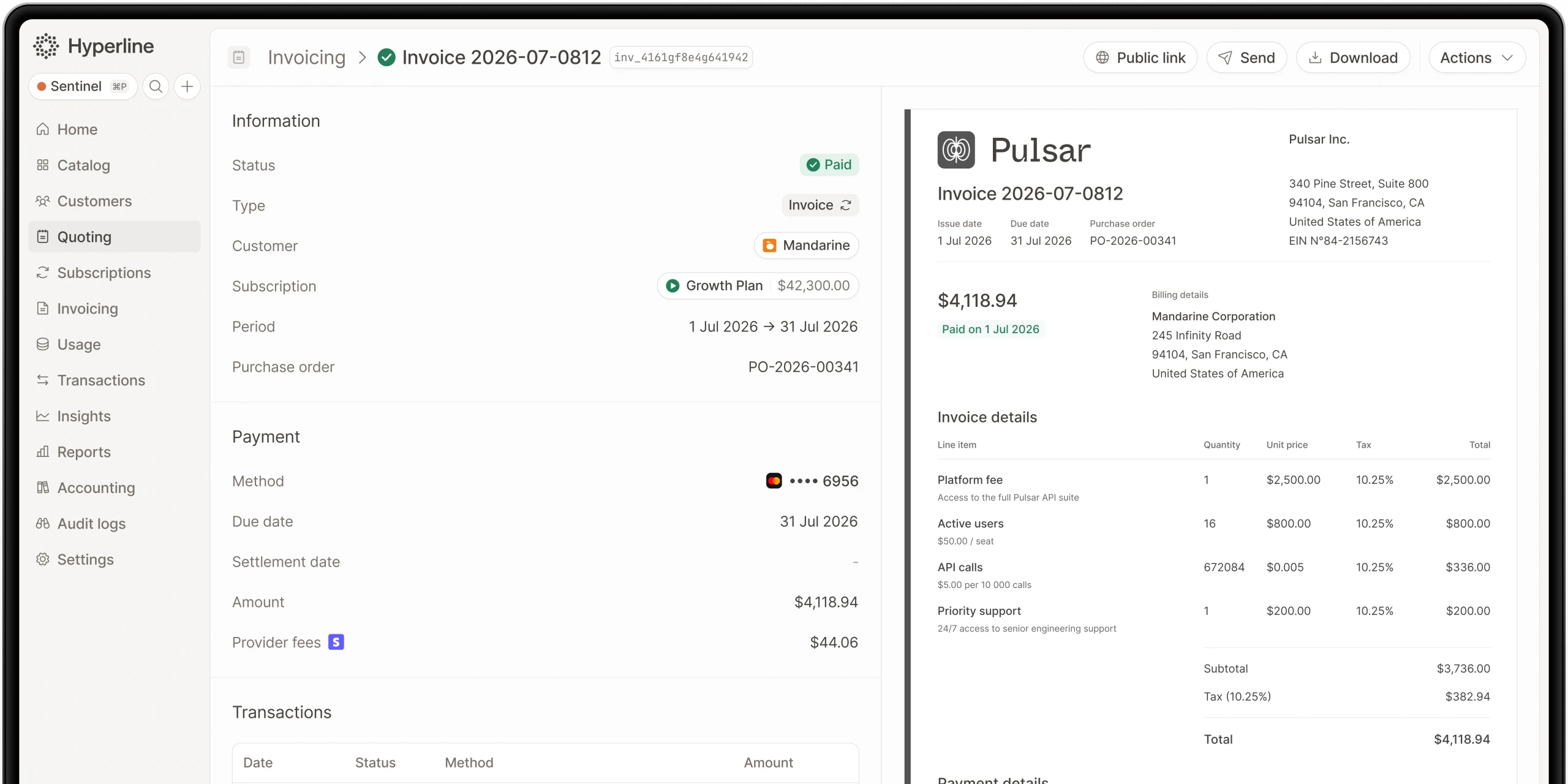
Export your active and inactive subscriptions along with their full state: plan, quantity, price, currency, current period start and end, next renewal date, and status. Then export invoice history. Past invoices should migrate as a read-only record so that totals, tax, and dates are preserved exactly. The principle is simple: historical documents do not change, so they should arrive immutable and reconcile to the cent against your accounting.
Step 3: Migrate payment mandates and methods (including GoCardless)
This is the highest-stakes step. Card payment methods and bank mandates need to move to the new platform so that collection continues without asking customers to act. GoCardless mandates deserve special attention: a direct debit mandate is a standing authorization, and the goal is to carry it over so that the next direct debit run simply works. The same applies to stored card tokens at your gateway. If a step here forces customers to re-enter details or re-authorize, you have introduced churn risk, so this is where an automated approach earns its keep (more on that below).
Step 4: Rebuild pricing, plans, and any usage logic
Using the pricing document from your pre-migration checklist, recreate your plans, add-ons, coupons, and discounts in the new system. This is also the moment to rebuild usage-based logic. If your usage billing was previously batch-based and you are moving to real-time, no-code usage billing, model your aggregations and meters now and test them against known inputs. Rebuilding pricing as a clean specification (rather than a copy-paste) is also a good opportunity to retire plans you no longer sell.
Step 5: Validate and reconcile
Before anyone is billed for real, reconcile. For a representative sample (and ideally the full set), confirm that each migrated subscription would produce the same next invoice as Chargebee would have: same amount, same currency, same date, same tax. Reconcile total MRR and ARR between the two systems and chase down every discrepancy. Validate that invoice totals match your accounting. Nothing should go live until the numbers tie out.
Step 6: Parallel run
Where possible, run the new system in parallel with Chargebee for at least one billing cycle without switching off collection on the old system prematurely. A parallel run lets you compare what each system would do for the same period and catch edge cases (proration, mid-cycle changes, dunning) before they affect customers. Think of it as a dress rehearsal with real data and no live consequences.
Step 7: Cutover
Cutover is the moment the new platform becomes the source of truth and starts collecting. Schedule it between billing runs so no cycle is duplicated or skipped. Repoint your integrations and webhooks, confirm the first live billing run end to end, and keep the old system in read-only mode for a while as a reference. After a clean cutover, your customers continue exactly as before, and your team operates from the new platform.
How automated Chargebee migration works
The seven steps above describe a careful manual migration, and done by hand it is real work. This is where an automated migration changes the equation. Hyperline provides an automated migration off Chargebee that moves the heavy, error-prone pieces for you: subscriptions, invoice history, payment mandates (including GoCardless), and payment methods. Instead of scripting exports, mapping fields by hand, and re-collecting payment authorizations, the migration carries them across in their working state.
The practical effect is speed and safety together. A migration of this kind typically completes in a few days rather than stretching across the calendar, and Hyperline has completed 20+ of them. Because mandates and payment methods move intact, there is no disruption for end customers: no re-authentication, no re-entering card details, no gap in collection. Automating the parts most likely to cause failed charges or lost mandates is exactly what removes the biggest risks from the project.
It is worth being clear-eyed: automation does not erase the preparation work. You still need to audit your setup, document your pricing, and validate the result. What it removes is the mechanical, high-risk middle of the project, which is the part most likely to go wrong when done manually under time pressure.
How to avoid disrupting end customers
Protecting the end-customer experience is a design goal, not an afterthought, and a few practices make the difference. First, carry mandates and payment methods over intact so customers never have to re-authorize or re-enter details. That single decision prevents the most common and most painful form of migration churn. Next, time the cutover between billing cycles so no customer is charged twice or missed. Then, reconcile the next invoice for every subscription before going live, so the first charge on the new system matches what the customer expected. Also, avoid sending unnecessary "we have moved your billing" emails unless something genuinely requires customer action; silence is usually the better experience. Finally, keep a fast support path open during and just after cutover so that if a customer does have a question, the answer arrives in minutes (Hyperline support runs over chat and Slack with response times measured in minutes). Handled this way, the migration is invisible to the people who matter most.
Post-migration steps
Cutover is a milestone, not the finish line. A short, disciplined post-migration phase locks in the result. Monitor the first full billing cycle closely: watch renewals, dunning, and any usage charges, and compare actuals against your pre-cutover expectations. Reconcile again after the first real run, confirming that collected amounts match invoiced amounts and that nothing slipped between the two systems. Reconnect and verify every integration, including CRM sync (HubSpot, Salesforce, or Attio), accounting, and your warehouse, so reporting stays continuous.
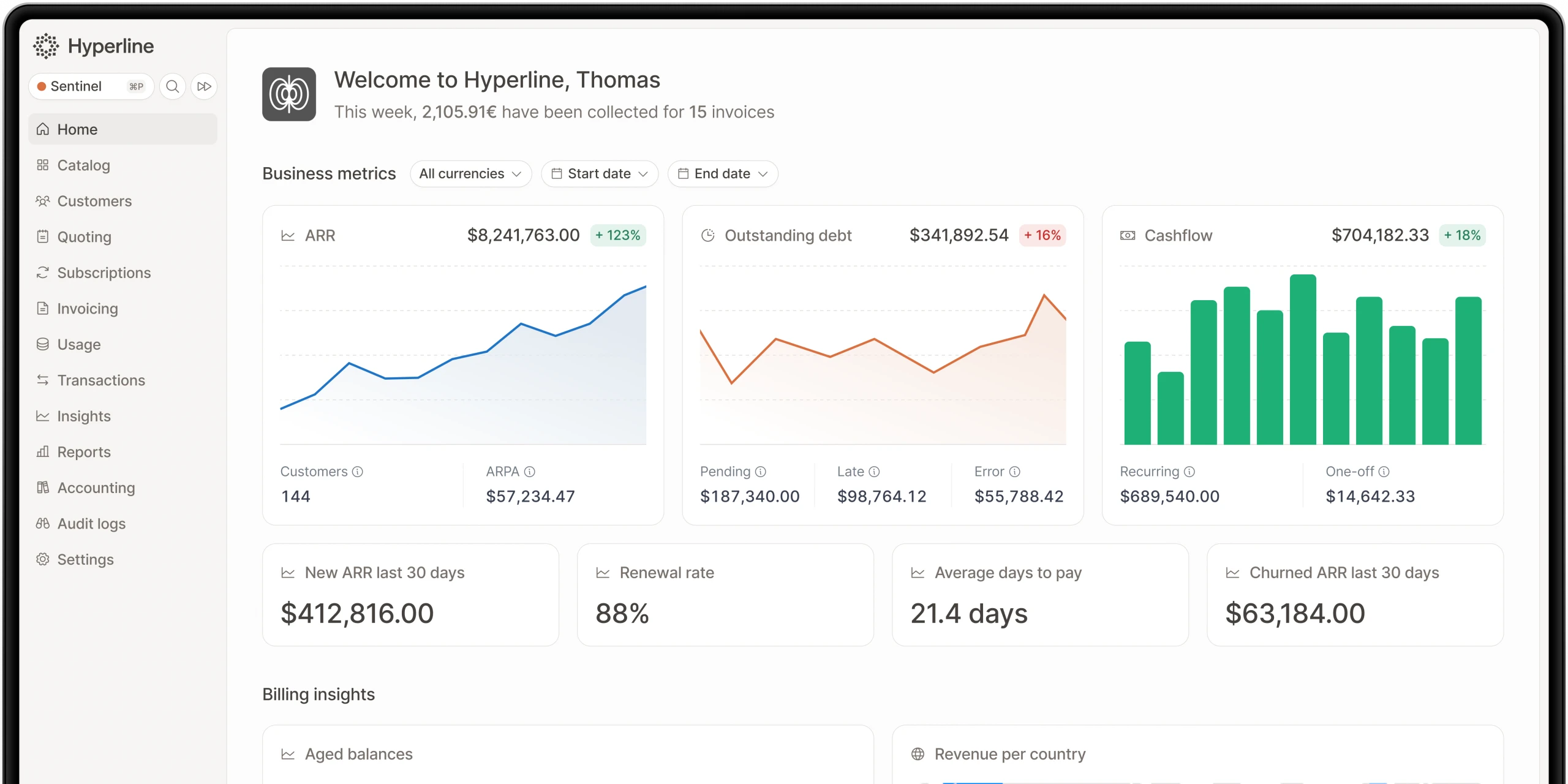
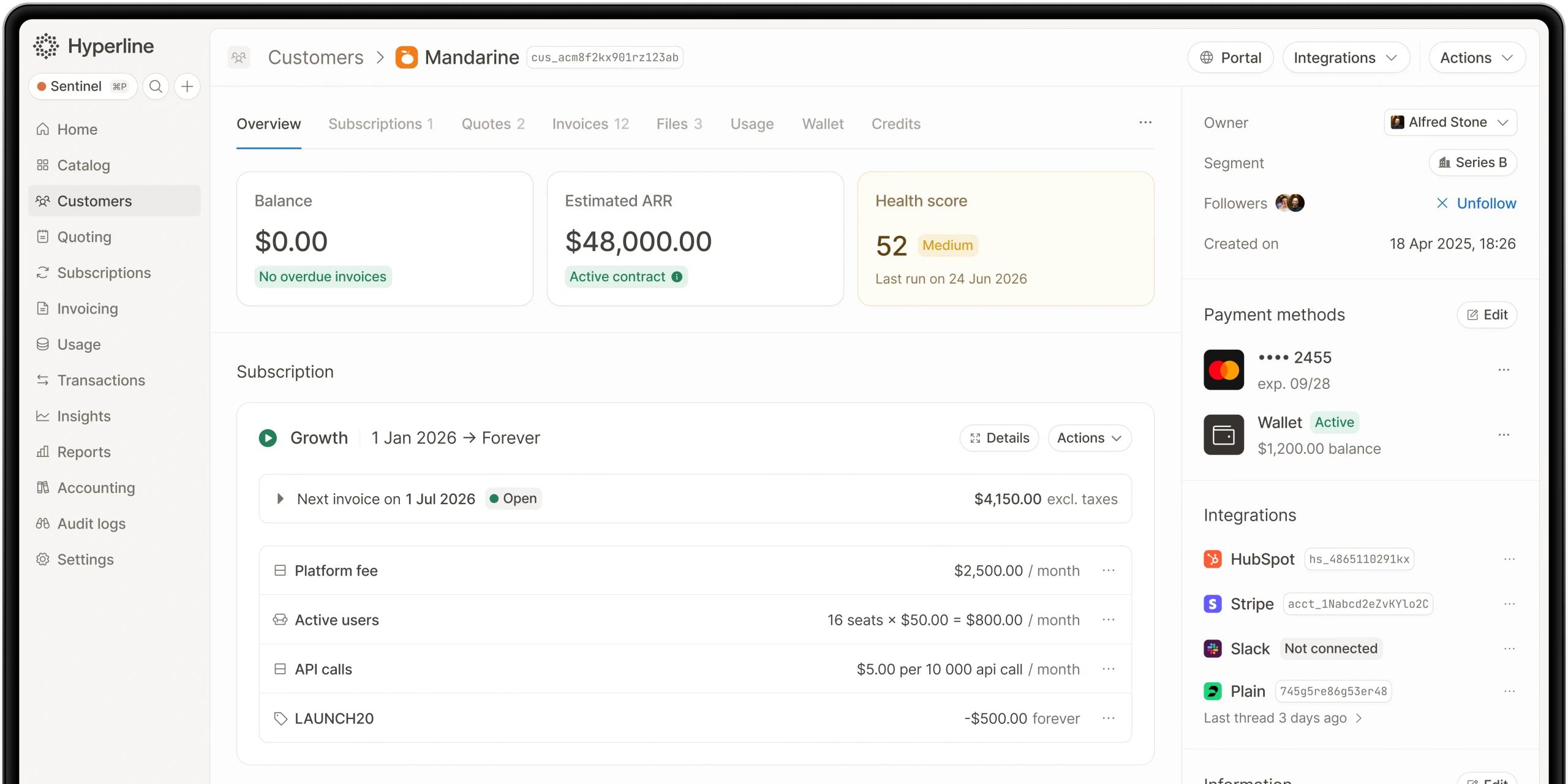
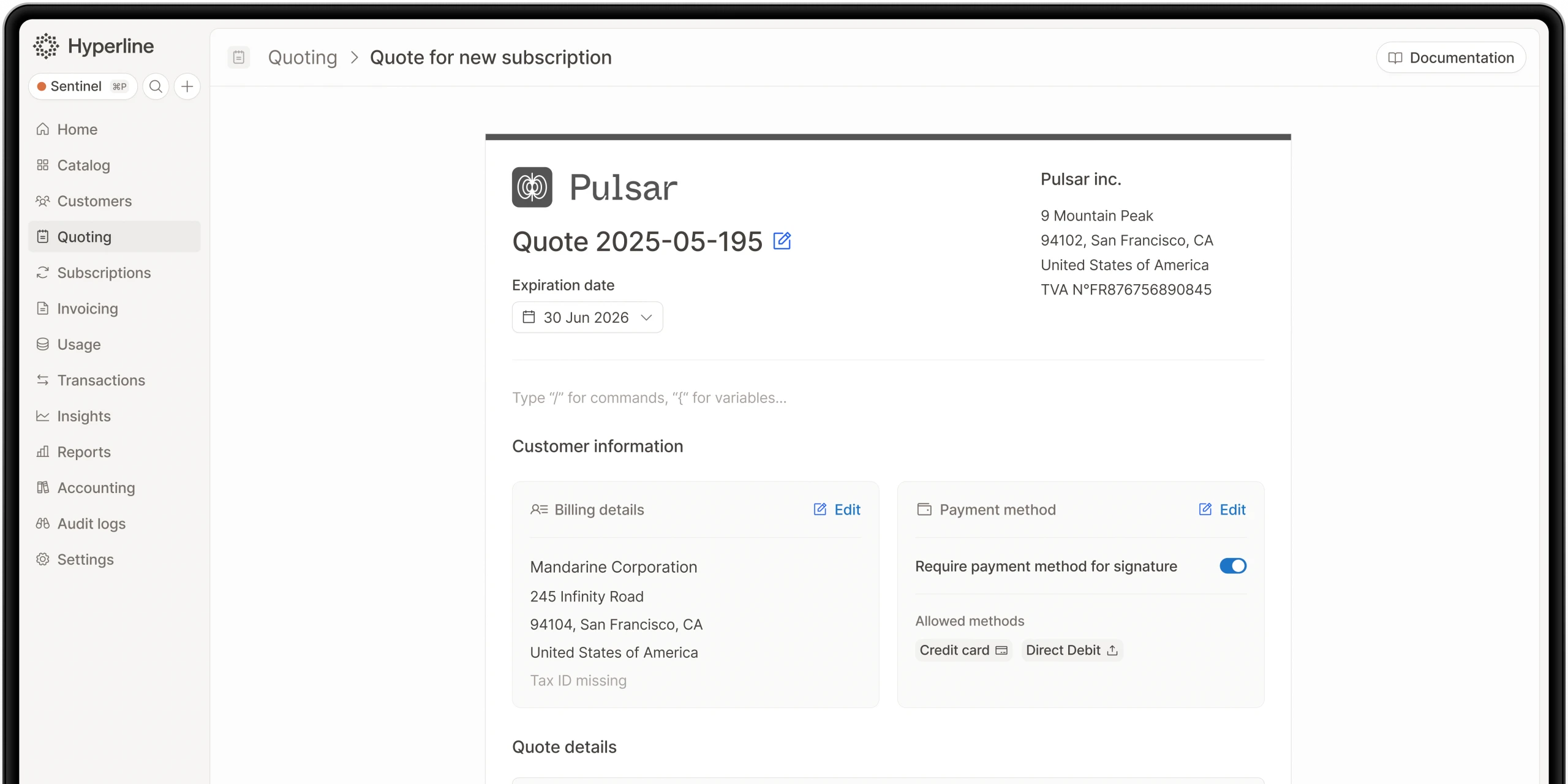
This is also the moment to put your new platform's broader capabilities to work, since you have already done the hard part of getting your data in. With Hyperline, that can include real-time usage-based billing, built-in CPQ with e-signature, native CRM sync, revenue recognition included rather than bolted on, and AI agents, with a typical go-live around two months for the full setup. Once you are confident the new system is the clean source of truth, you can decommission the old one and close the project.
Frequently asked questions
Will my customers notice the migration?
They should not. When subscriptions, payment methods, and mandates are carried over intact, customers keep paying exactly as before with no re-authentication and no interruption in service. Hyperline's automated Chargebee migration is designed specifically so there is no disruption for end customers.
How long does a Chargebee migration take?
A careful manual migration can take weeks of preparation, validation, and parallel running. With Hyperline's automated migration, the core move of subscriptions, invoice history, mandates, and payment methods typically completes in a few days. You should still budget time for your own audit and validation around it.
What about my GoCardless mandates?
GoCardless mandates are one of the records the automated migration moves for you. A direct debit mandate is a standing authorization, and the aim is to carry it across so that your next direct debit run simply works, without asking customers to set up a new mandate.
Will I lose my invoice history?
No. Invoice history migrates as a preserved, read-only record so that past invoices, totals, tax, and dates remain intact for accounting, audits, and customer requests. Validation includes reconciling those totals against your accounting before go-live.
Do I have to rebuild my pricing from scratch?
You rebuild your plans and pricing logic in the new system, but you do it from the pricing document you create during preparation, not from memory. This is also a chance to retire plans you no longer sell and to set up real-time, usage-based billing if your previous setup was batch-based.
What does Hyperline cost?
Indicative pricing starts from $199 per month plus 0.6% of revenue. That includes capabilities that are often paid add-ons elsewhere, such as revenue recognition, built-in CPQ with e-signature, and real-time usage-based billing.
Conclusion
Migrating off Chargebee is a real project, and treating it that way is what keeps it safe. The risks are concrete: data integrity, payment mandates, the end-customer experience, and revenue continuity. But they are all manageable with the right sequence: audit and map your data, export subscriptions and invoice history, move payment mandates and methods (including GoCardless), rebuild your pricing, reconcile, run in parallel, and cut over between billing cycles. Done well, your customers never notice, and your revenue never skips a beat.
The biggest lever you have is how much of the high-risk middle you automate. Hyperline's automated Chargebee migration moves subscriptions, invoice history, payment mandates, and payment methods for you, typically in a few days, with 20+ migrations already completed and no disruption for end customers. If you are evaluating the move, the practical next step is to map your current setup against this checklist and talk through your specific mandates and pricing, so the migration you run is the one your customers never have to think about.
Where this fits in Hyperline
Frequently asked questions
HubSpot CPQ is free but costs time. Manual billing, custom integrations, and reporting errors make it expensive. Hyperline removes these issues.
Hyperline is usage-native, which means our platform can ingest raw usage-data (through database connectors, API or CSV files) and run calculations on your behalf to find the right amount to invoice for each customer. You can start without a single line of code in a few minutes.
As SaaS companies grow, billing needs become more complex. HubSpot CPQ has limits: no quote-to-invoice automation, little pricing flexibility, basic reporting, manual revenue recognition, and no advanced subscription support.
Setup is fast. It takes days or weeks, not months. Data migration is supported and works inside HubSpot.
Hyperline is a billing platform for B2B SaaS. It automates quote-to-cash, supports usage-based pricing, manages revenue recognition, connects with HubSpot, and gives real-time revenue data.
No, Hyperline links your product usage data with your billing and accounting systems to keep them in sync and running automatically.
Yes, you can sign up for free and explore the platform in test mode. Need more info? Request a demo.
Hyperline is a modern monetization and billing platform, covering everything from contracts to payment collection. Our solution is designed for software companies worldwide with recurring business models facing pricing and billing challenges such as usage metering, pricing iterations, and limited integrations. Whether you're implementing your first billing system or scaling a late-stage operation, we can assist you.