Best HubSpot CPQ integrations in 2026
For B2B SaaS businesses, connecting a CPQ solution to HubSpot fundamentally changes how revenue moves through your organisation. This guide breaks down the leading HubSpot CPQ integrations in 2026, with features, pros, cons, and pricing for each.
For B2B SaaS businesses in particular, connecting a CPQ (Configure, Price, Quote) solution to your CRM fundamentally changes how revenue moves through your organisation.
Rather than rebuilding quotes from scratch in a separate tool, a HubSpot CPQ integration allows your sales team to generate accurate, customized quotes directly from a deal record, with the right pricing rules, contract terms, and approval workflows already in place.
Beyond speed, a solid CPQ integration reduces errors between what was quoted and what gets billed. That gap is one of the most common sources of revenue leakage for growing SaaS companies.
HubSpot offers basic quoting natively, but it falls short for businesses dealing with complex pricing models: usage-based tiers, hybrid contracts, per-seat pricing, or multi-currency deals. That's where dedicated CPQ tools come in.
Below is a breakdown of the leading HubSpot CPQ integrations in 2026 with pros, cons, pricing and what each one actually lets you do.
1. Hyperline
CPQ & Revenue Management
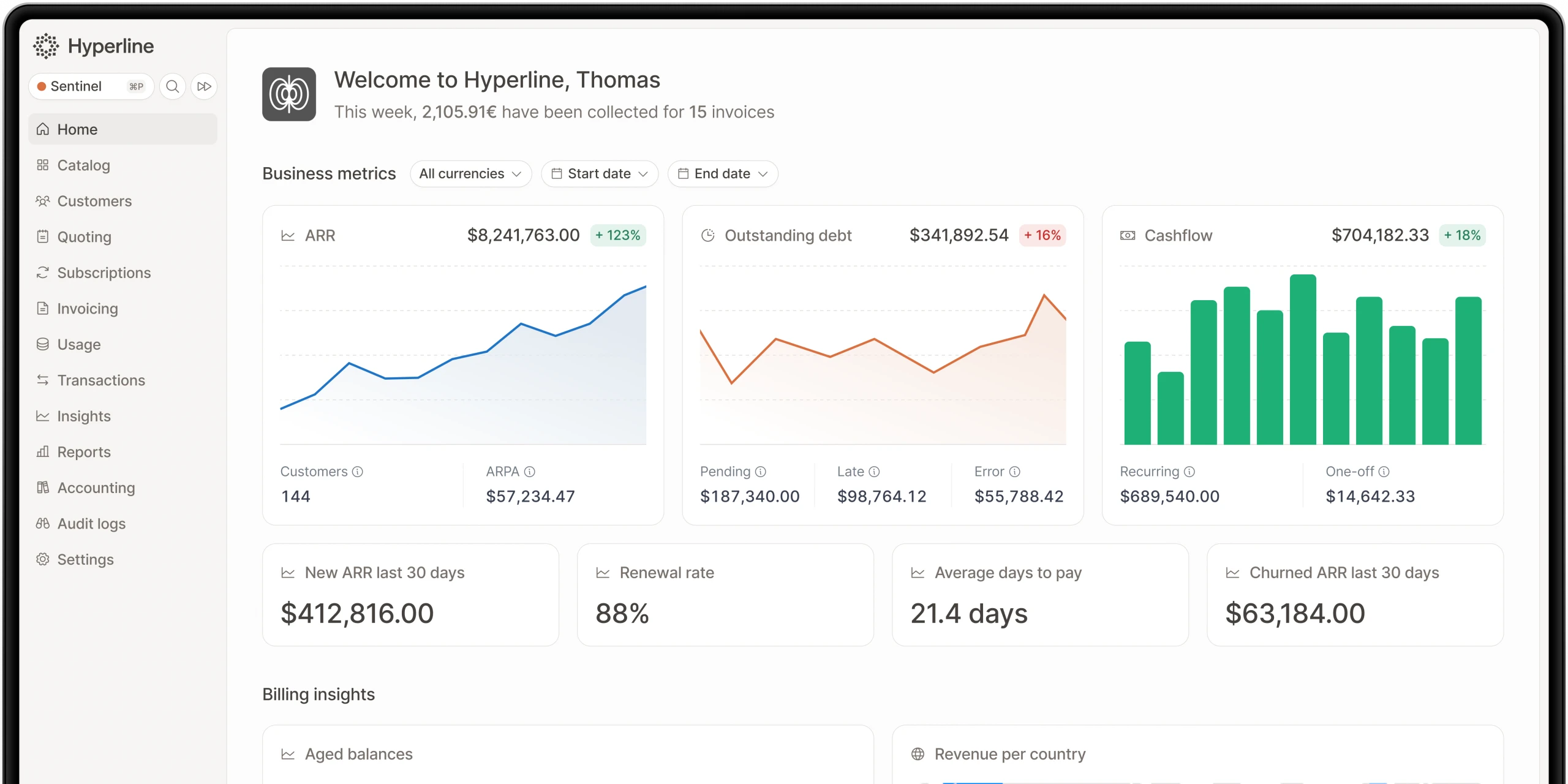
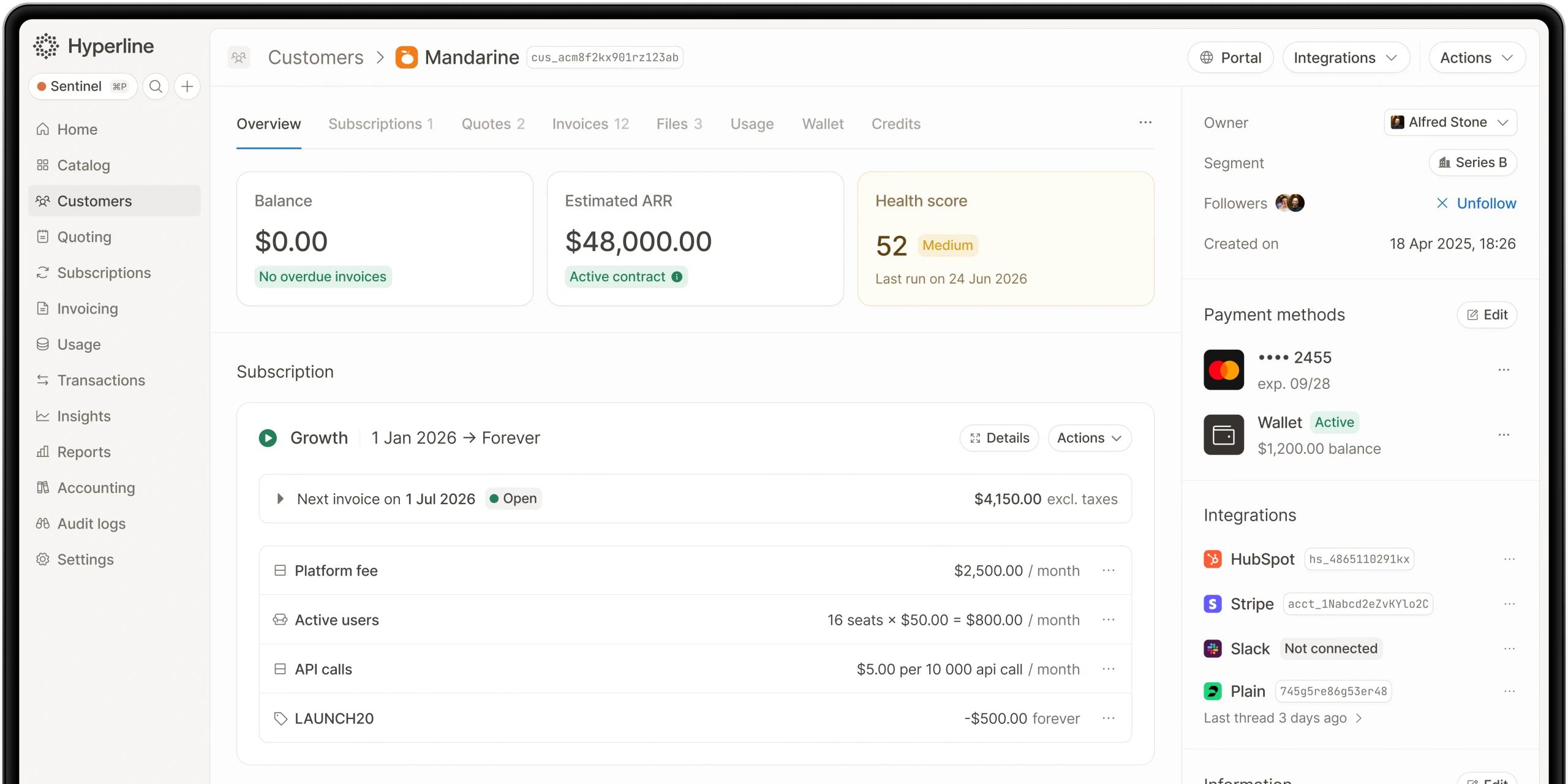
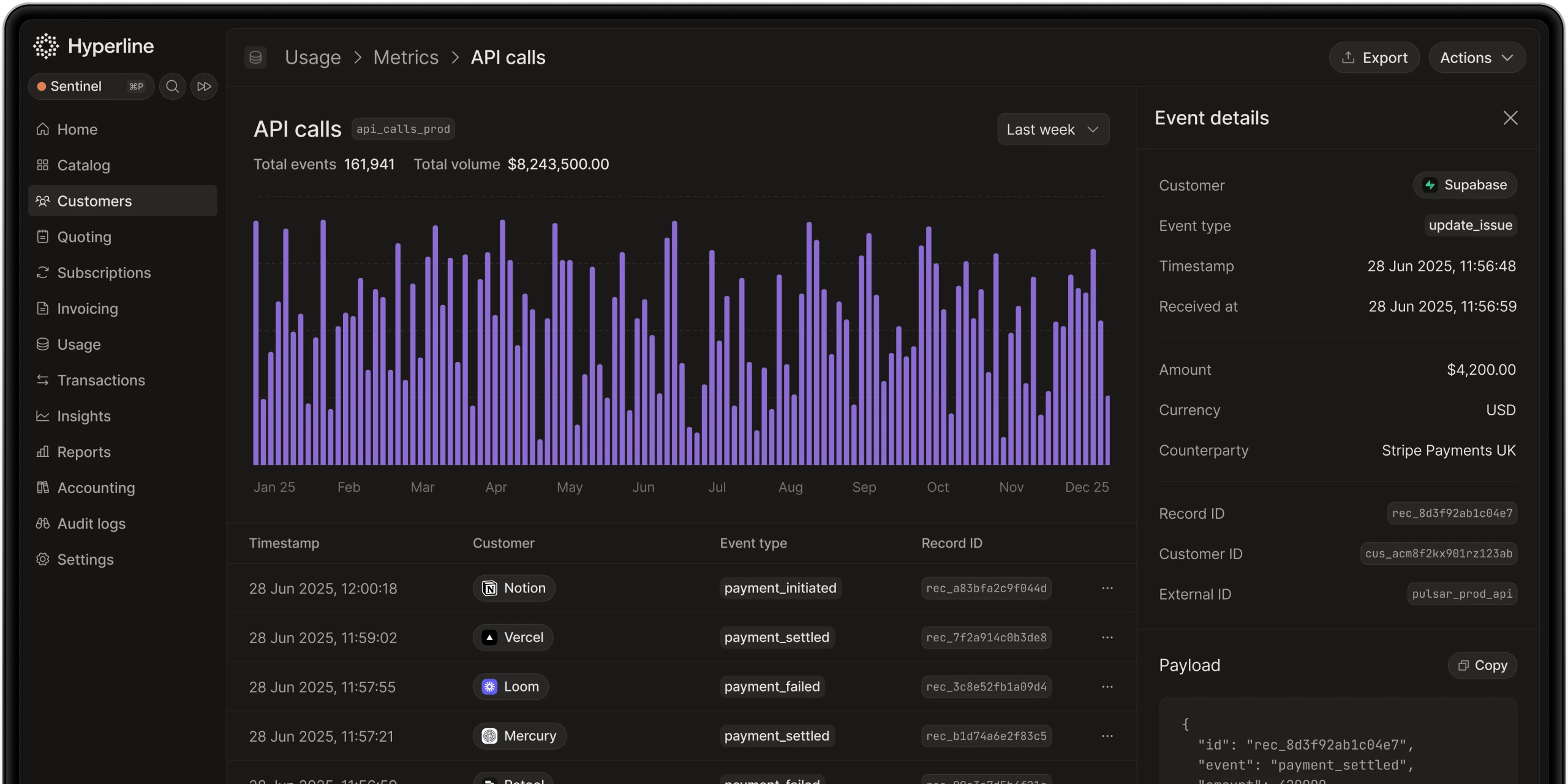
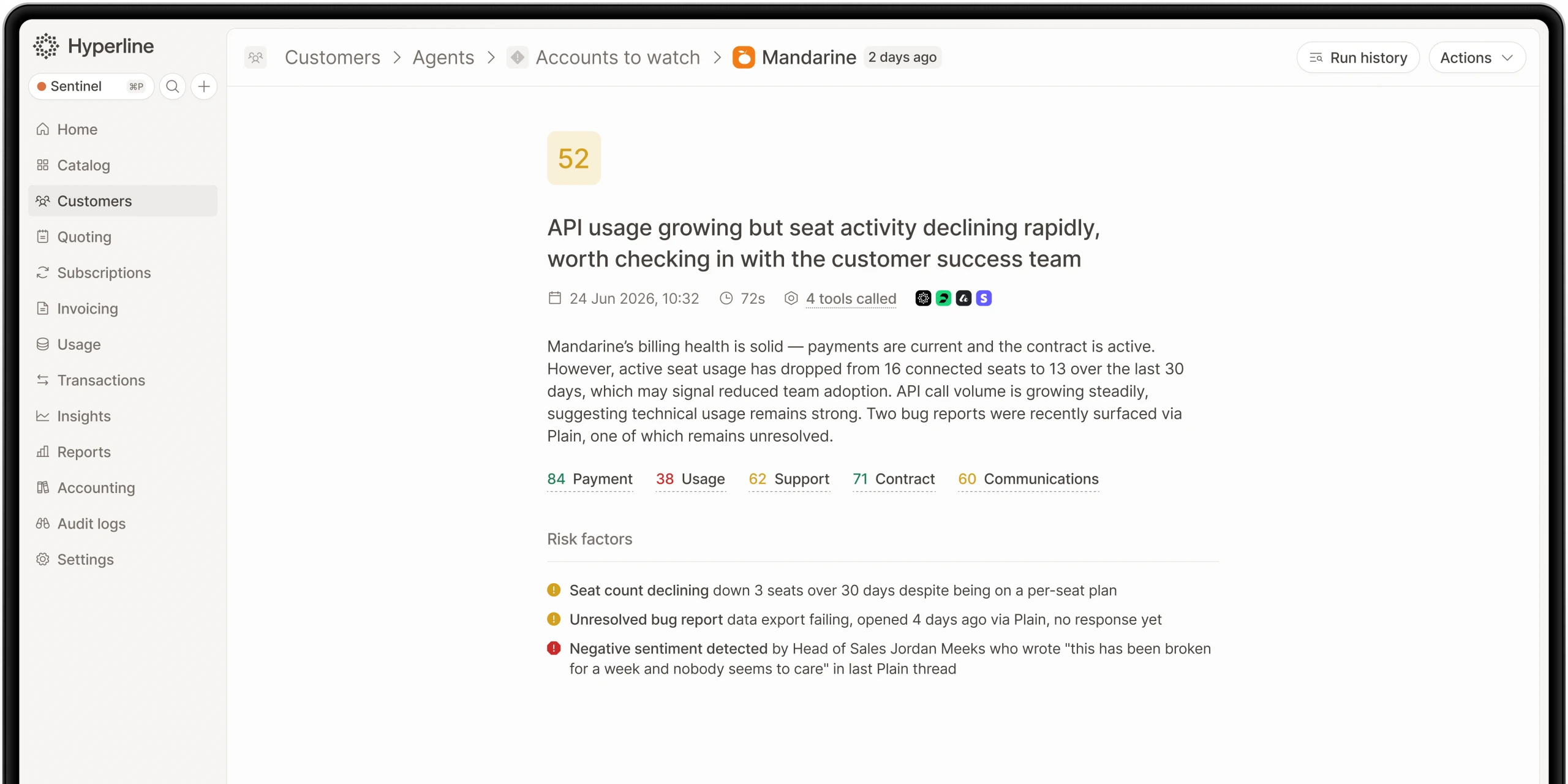
Hyperline is a modern revenue management platform built for B2B SaaS companies, covering the full quote-to-cash cycle, from CPQ to billing, payment collection, and revenue recognition. Its native HubSpot integration embeds Hyperline's full interface directly inside HubSpot via a widget, meaning sales teams never have to leave their CRM.
What you can do:
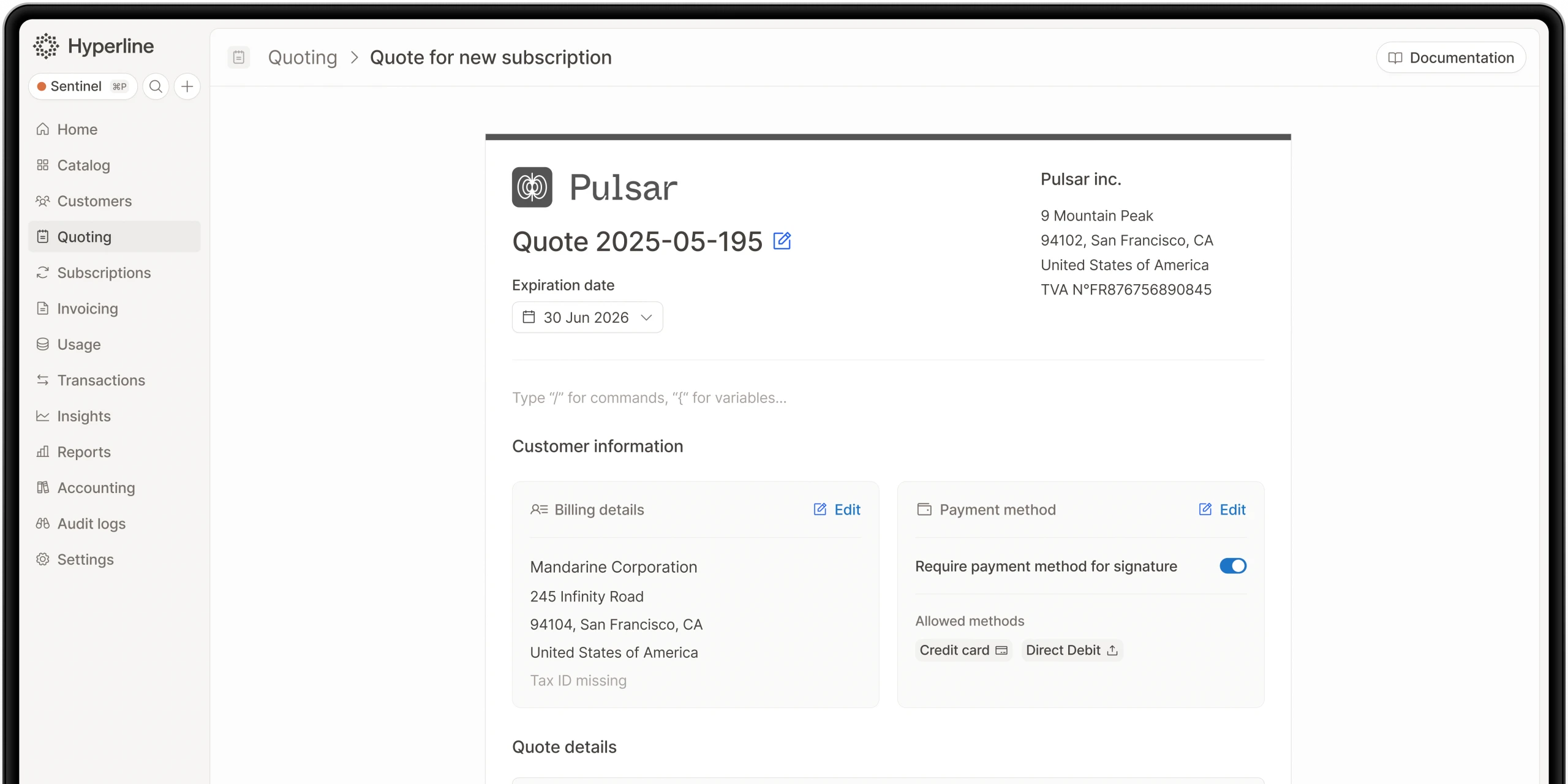
- Generate quotes directly from HubSpot deals and send them for e-signature.
- Automatically create subscriptions upon contract acceptance.
- Sync companies and billing data between HubSpot and Hyperline.
- Support any pricing model: flat fees, usage-based, tiered, per-seat, or hybrid.
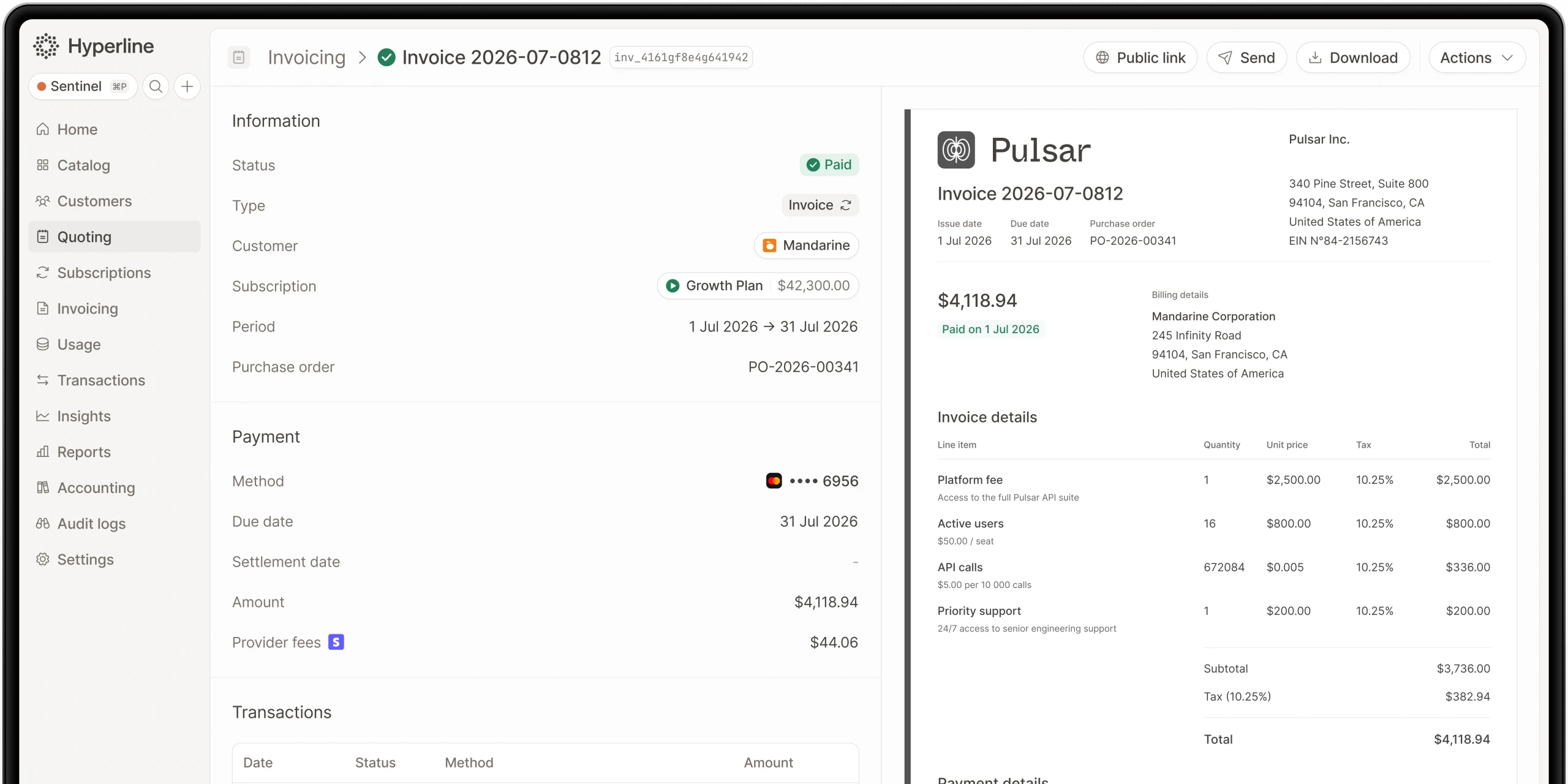
- Manage subscriptions and invoices without leaving HubSpot.
Pros: Native two-way sync, fully embedded widget in HubSpot, complex pricing support including usage-based billing, fast setup with no engineering resources required, SOC 2 certified and GDPR-compliant, rated 4.9/5 on G2.
Cons: Custom HubSpot objects require an Enterprise plan; primarily focused on B2B SaaS and subscription businesses.
Pricing: Flexible, scales with your business, free trial available.
Review consensus: Trusted by fast-growing companies including Malou and ScorePlay, Hyperline is consistently praised for its flexibility and the speed at which teams go live.
2. DealHub
CPQ & Sales Automation
DealHub is a well-established CPQ platform best suited to businesses with complex approval workflows and large sales teams that need structured quoting processes.
What you can do: Build dynamic guided selling flows, automate approval and discount workflows, generate proposals and contracts from HubSpot deals.
Pros: Strong workflow automation, good for enterprise sales, two-way HubSpot sync.
Cons: Steeper learning curve, higher price point.
Pricing: Available on request.
Review consensus: Well-regarded by enterprise teams; rated 4.7/5 on G2.
3. PandaDoc
CPQ, Proposals & eSignature
PandaDoc combines CPQ functionality with document management and e-signature, and is popular with small-to-mid-size sales teams.
What you can do: Create quotes and proposals from HubSpot deal data, collect e-signatures, track document opens and engagement.
Pros: Easy to use, strong document templates, affordable entry pricing.
Cons: Limited billing automation beyond the quote stage.
Pricing: From $19 per user/month.
Review consensus: Rated 4.7/5 on G2; praised for ease of use and quick adoption.
4. Salesforce CPQ (via connector)
Enterprise CPQ
One of the most powerful CPQ tools on the market. While native to Salesforce, third-party connectors allow HubSpot teams to access some of its capabilities.
What you can do: Handle complex product configurations, manage multi-tier pricing and contract amendments.
Pros: Extremely powerful for complex product catalogues.
Cons: Requires a Salesforce licence, significant implementation effort, not built for HubSpot users.
Pricing: From $75 per user/month (Salesforce licence required).
Review consensus: Best reserved for large enterprises already invested in the Salesforce ecosystem.
5. HubSpot Quotes (native)
Basic Quoting
HubSpot's built-in quoting tool is free for all users and handles straightforward pricing scenarios well. A reasonable starting point for early-stage teams.
What you can do: Create and send simple quotes from deals, accept payments via HubSpot Payments or Stripe.
Pros: Free, no integration required, easy to set up.
Cons: No support for usage-based billing, subscriptions, or advanced pricing models.
Pricing: Free (included in HubSpot).
Review consensus: Works for simple use cases, quickly outgrown by scaling SaaS businesses.
What should you look for in a HubSpot CPQ integration?
- Native two-way sync: avoid third-party connectors where possible.
- Pricing model flexibility: ensure the tool handles your specific billing structure.
- Post-quote automation: the best tools connect quoting directly to billing and contract creation.
- Speed of implementation: complex setups delay your revenue cycle.
Conclusion
For most B2B SaaS businesses, HubSpot's native quoting feature will not scale with pricing complexity. A dedicated CPQ integration closes the gap between what was sold and what gets billed.
If your pricing model involves subscriptions, usage-based components, or hybrid contracts, Hyperline is the most comprehensive option: it covers CPQ, billing, and payment collection in a single platform, with a native HubSpot integration that keeps your entire revenue team in one place. For teams with simpler needs, PandaDoc offers a solid and affordable starting point.
Where this fits in Hyperline
Frequently asked questions
As SaaS companies grow, billing needs become more complex. HubSpot CPQ has limits: no quote-to-invoice automation, little pricing flexibility, basic reporting, manual revenue recognition, and no advanced subscription support.
Hyperline is usage-native, which means our platform can ingest raw usage-data (through database connectors, API or CSV files) and run calculations on your behalf to find the right amount to invoice for each customer. You can start without a single line of code in a few minutes.
Teams struggle with incomplete revenue reports, manual invoice creation, hard-to-manage contracts, weak accounting links, and too much work in spreadsheets.
HubSpot CPQ is free but costs time. Manual billing, custom integrations, and reporting errors make it expensive. Hyperline removes these issues.
HubSpot CPQ is a tool in HubSpot CRM that helps teams create quotes, manage simple subscriptions, and collect payments. It is made for small businesses and startups that want an easy quote-to-cash process.
Ask yourself: Do we need usage-based billing? Are invoices manual? Are reports unreliable? If yes, you may need Hyperline.
Hyperline is a modern monetization and billing platform, covering everything from contracts to payment collection. Our solution is designed for software companies worldwide with recurring business models facing pricing and billing challenges such as usage metering, pricing iterations, and limited integrations. Whether you're implementing your first billing system or scaling a late-stage operation, we can assist you.
Hyperline is a billing platform for B2B SaaS. It automates quote-to-cash, supports usage-based pricing, manages revenue recognition, connects with HubSpot, and gives real-time revenue data.