How to integrate billing automation with HubSpot workflows with example use cases
HubSpot is a robust customer relationship management (CRM) platform that enables businesses to streamline sales, marketing, and customer service operations. By integrating Hyperline's billing automation platform with HubSpot, you can transform the way your team handles quotes, subscriptions, invoices, and revenue workflows. Seamlessly managing billing directly within HubSpot reduces time-consuming manual tasks and creates an effortless user experience for both your team and customers.
With Hyperline's HubSpot integration, you can:
- Automate quote creation and subscription management
- Sync billing data with HubSpot records through two-way synchronization
- Track subscription and invoice status updates directly in HubSpot
- Save time and reduce errors by up to 90% while eliminating the need for multiple tools
- Manage your entire revenue cycle from quote to cash in one unified workflow
But how do you make the most of this integration? The answer lies in leveraging HubSpot workflows to automate your billing processes. Here's a step-by-step guide to integrating billing automation into your HubSpot workflows and a look at some practical use cases.
What is HubSpot workflows?
HubSpot workflows are automation tools designed to save time and streamline operations. When combined with Hyperline's flexible billing capabilities, they enhance efficiency across your entire revenue cycle. With workflows, you can automate tasks such as:
- Sending follow-up emails based on subscription status
- Updating property values in records (deals, contacts, companies)
- Assigning tasks to team members when invoices are overdue
- Triggering billing actions based on customer behavior
Imagine automatically generating and sending a quote the moment a deal reaches a specific stage, or triggering a renewal reminder for an expiring subscription. These automations can supercharge your sales and finance processes while reducing manual errors.
Setting up the integration
Before diving into workflows, you need to integrate Hyperline with HubSpot :
Install the integration: Connect your HubSpot account to Hyperline through the integrations settings in your Hyperline dashboard. The setup takes just a few minutes and requires admin rights on both platforms.
Configure custom objects: Hyperline will automatically create the necessary custom fields in HubSpot for quotes, subscriptions, and invoices. These custom objects are available on HubSpot Enterprise plans and enable seamless data synchronization.
Map synchronization settings: Choose which HubSpot companies to sync with Hyperline. You can select bidirectional sync for customers, allowing data to flow seamlessly between both platforms. Hyperline creates a "Sync to Hyperline" checkbox field on HubSpot Company objects, giving you control over which companies are synchronized.
Set up your billing configuration: In Hyperline, configure your pricing models, payment providers (Stripe, Mollie, GoCardless, or Airwallex), and product catalog. Hyperline supports all pricing models, from simple flat fees to complex usage-based billing with pre-paid credits and tiered pricing.
Automating billing processes with HubSpot workflows
Once the integration is set up, you can create workflows that incorporate Hyperline's billing functionality directly into your HubSpot automation processes:
Step 1: define the trigger
Start by identifying what will initiate the workflow. Common triggers include:
- A deal moving to a specific pipeline stage, such as "Proposal Sent" or "Negotiation"
- A contact property being updated, like "Subscription Status" changing to "Expiring Soon"
- A subscription renewal date approaching within 30 days
- An invoice payment failing or becoming overdue
- A form submission requesting a quote or pricing information
Step 2: add actions
HubSpot's workflow editor allows you to add actions that integrate directly with Hyperline's billing platform. When automating billing processes, these actions can include:
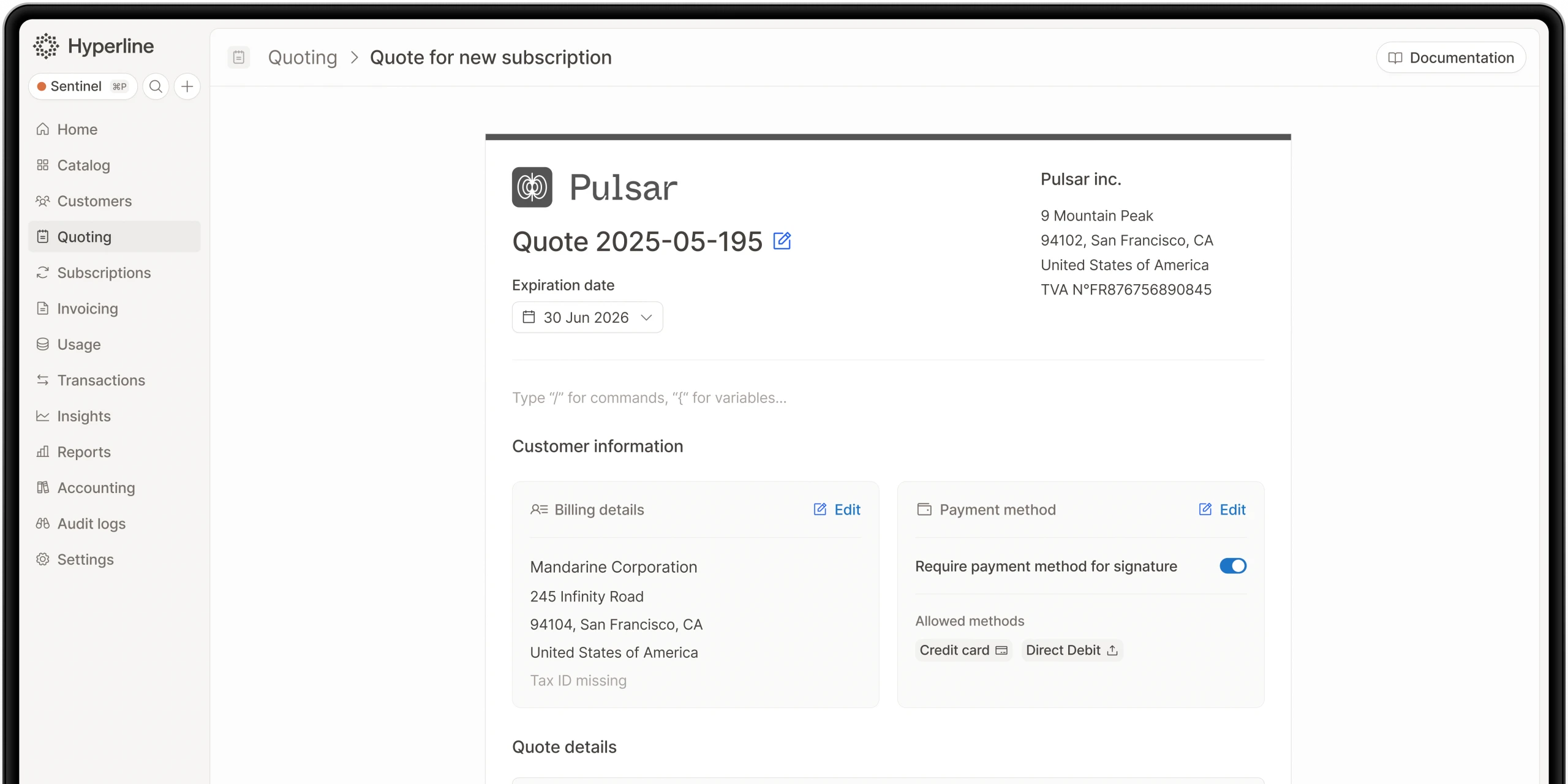
- Create quotes: Automatically generate quotes in Hyperline using your configured pricing models and product catalog
- Manage subscriptions: Create, update, or cancel subscriptions based on deal progression or customer requests
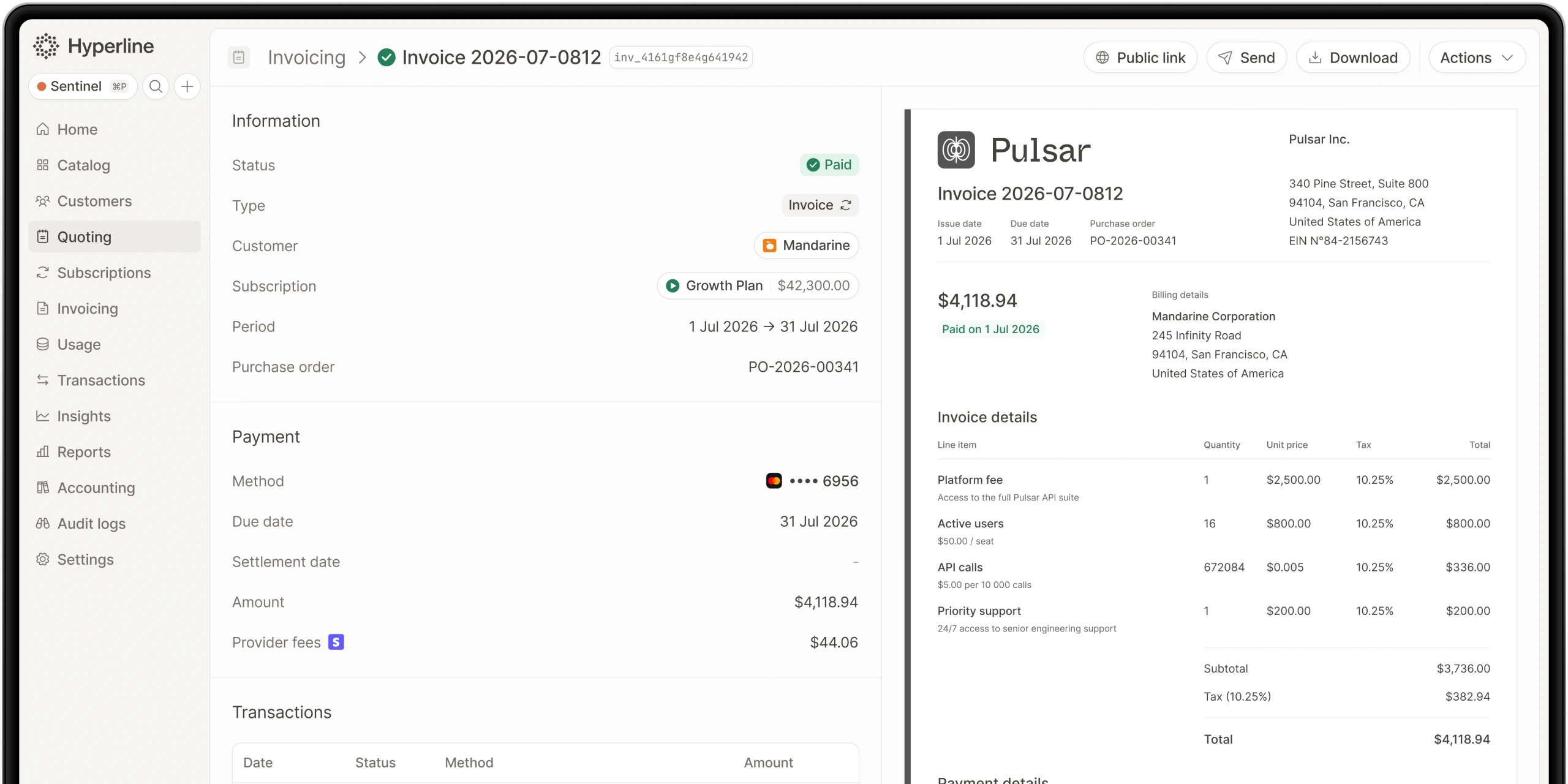
- Monitor invoice status: Track invoice payments and trigger actions based on payment status changes
- Update billing data: Sync billing information between Hyperline and HubSpot automatically
- Send notifications: Alert team members when quotes are accepted, subscriptions are created, or payments fail
The native Hyperline component embedded in HubSpot allows your sales and finance teams to manage all billing operations without leaving their CRM, making the process seamless and efficient.
Step 3: test the workflow
Always test your workflow before deploying it live. Ensure that billing data syncs correctly, quotes are generated with accurate pricing, and actions execute as expected. Hyperline recommends experimenting with a test HubSpot account before going live to avoid any disruptions to your production environment.
Practical use cases for HubSpot workflows with Hyperline
1. Automated quote generation and management
When a deal reaches the "Proposal" stage:
- Automatically generate a quote in Hyperline containing subscription configuration and pricing details
- Populate it with deal information from HubSpot (client name, company details, selected products)
- Send the quote for customer signature through Hyperline's native quoting feature
- Notify the sales rep when the quote is viewed or signed by the customer
- Automatically create the subscription and start invoicing once the quote is accepted, eliminating manual handoffs
2. Subscription renewal automation
For recurring revenue businesses, create a workflow to:
- Identify subscriptions with renewal dates approaching within 30 days
- Generate renewal quotes automatically with updated pricing if applicable
- Send renewal reminders to customers through automated email sequences
- Notify account managers if renewals remain unsigned after a specific timeframe
- Track renewal rates and upsell opportunities directly in HubSpot
3. Payment failure recovery
When an invoice payment fails:
- Automatically update the deal stage to "Payment Issue"
- Send dunning notifications to customers with payment instructions
- Create a task for the account manager to follow up personally
- Track failed payment recovery rates and optimize your dunning strategy
- Reconnect payment attempts through Hyperline's payment orchestration with multiple providers
4. Usage-based billing automation
For companies with consumption-based pricing:
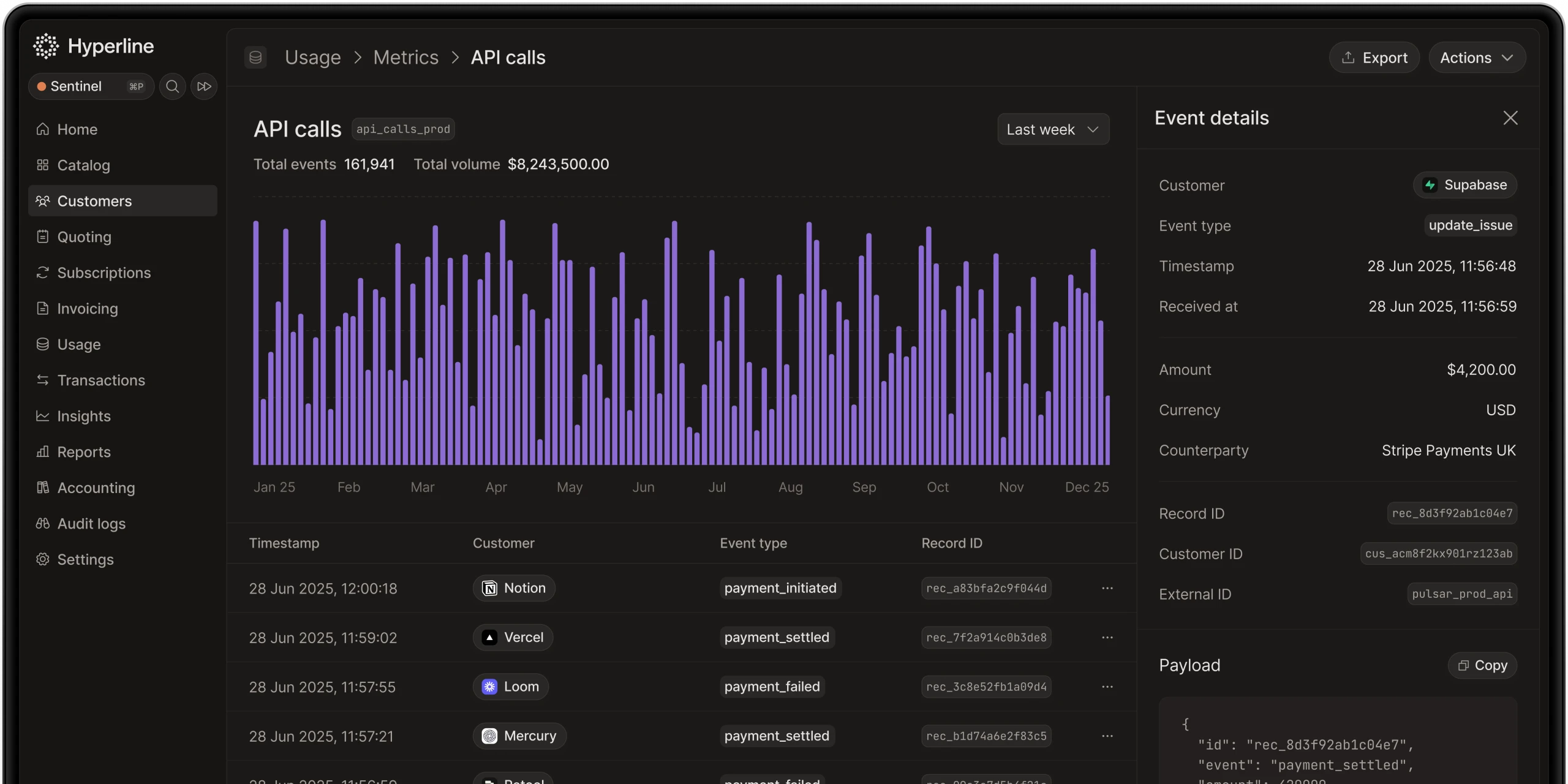
- Automatically ingest usage data from your data warehouse through Hyperline's data loaders
- Generate invoices based on actual customer consumption
- Send automated usage reports to customers showing their consumption trends
- Alert customers when they approach billing thresholds or credit limits
- Sync invoice data back to HubSpot for complete revenue visibility
5. Self-service checkout flows
For product-led growth strategies:
- Trigger quote generation when prospects submit pricing forms on your website
- Provide automated checkout experiences through Hyperline's hosted pages
- Automatically create subscriptions and customer accounts upon successful payment
- Send onboarding sequences based on the purchased plan
- Enable customer self-service through Hyperline's customer portals for payment method updates and invoice downloads
Benefits of integrating Hyperline's billing platform with HubSpot workflows
1. Streamlined revenue operations
Automating billing tasks means your revenue teams spend less time on manual data entry and reconciliation, and more time on strategic initiatives. Hyperline reduces billing operations time by up to 90%, giving your team capacity to focus on growth.
2. Reduced errors and improved accuracy
Two-way data synchronization between HubSpot and Hyperline eliminates the risk of manual data entry mistakes. Billing information remains consistent across platforms, ensuring accurate invoicing and revenue recognition.
3. Enhanced customer experience
Quickly sending professional quotes, providing self-service billing portals, and automating payment reminders enhances your brand's credibility and makes it easier for customers to do business with you.
4. Complete revenue visibility
Tracking quotes, subscriptions, and invoice status within HubSpot gives your entire team real-time insights into the revenue pipeline. Finance, sales, and operations teams can all access the same up-to-date billing information without switching between tools.
5. Flexible pricing experimentation
Hyperline's unmatched flexibility allows you to implement any pricing model, from seat-based licensing to sophisticated usage-based billing. You can iterate on pricing strategies quickly without engineering resources, testing what works best for your business.
6. Compliance and security
As a European company, Hyperline handles all client data in accordance with GDPR and EU regulations. The platform maintains enterprise-grade security (SOC 2 Type II and ISO 27001:2022 certified), ensuring your billing data remains protected.
Tips for success
Keep your billing configuration aligned: Regularly review your Hyperline pricing models and product catalog to ensure they reflect current offerings and market conditions.
Leverage workflow analytics: Use HubSpot's analytics to track how your billing workflows perform and identify opportunities for optimization.
Enable customer self-service: Take advantage of Hyperline's customer portals and checkout pages to reduce manual billing inquiries and empower customers to manage their own subscriptions and payments.
Monitor integration health: Regularly check that custom objects and fields in HubSpot are functioning correctly. Avoid manually modifying Hyperline-created fields, as this can break the integration.
Train your revenue teams: Ensure that sales, finance, and operations teams understand how the integration works and can leverage the embedded Hyperline component within HubSpot for maximum efficiency.
Start simple, then scale: Begin with basic workflows for quote generation and subscription creation, then gradually add complexity as your team becomes comfortable with the automation capabilities.
Final thoughts
Integrating Hyperline's flexible billing platform with HubSpot workflows is a powerful solution for companies looking to automate their entire revenue cycle. By connecting your CRM with a modern billing system that supports any pricing model, you create seamless processes from initial quote to payment collection, all while maintaining complete visibility across your revenue operations.
Whether you're implementing your first billing system or scaling a late-stage operation, Hyperline provides the flexibility and automation capabilities to support your growth. The platform's native integration with HubSpot, combined with powerful workflow automation, enables revenue teams to work more efficiently, reduce billing-related errors, and deliver exceptional customer experiences.
Get started today and transform how your business manages quotes, subscriptions, and invoicing within your existing HubSpot workflows.
Where this fits in Hyperline
Frequently asked questions
LedgerUp is focused on the post-signature handoff: getting from a signed contract to a first invoice quickly. It does not include native CPQ, and its global e-invoicing and revenue recognition depth are limited compared to a full quote-to-cash platform, so teams that scale into hybrid pricing or larger, multi-country contracts typically re-evaluate.
Yes. Hyperline connects to Stripe, GoCardless, Mollie, Airwallex, and bank transfers. It automates payment matching and reminders.
It depends on pricing complexity. Simple, flat subscription pricing can run acceptably on separate best-of-breed tools connected by integrations. Once pricing includes usage-based or hybrid components, or deal sizes require approval workflows and e-signature, the reconciliation cost of stitched-together tools tends to outweigh the flexibility of picking each piece independently.
Each platform is scored against five consistent criteria: best fit (the buyer situation it actually suits), strongest part of quote-to-cash (where it genuinely leads), evidence reviewed (public pricing pages, product documentation, and G2 category listings), and watch-out (the limitation buyers run into first). Vendor claims that aren't verifiable against a public source are described qualitatively rather than repeated as fact.
Usually not on its own. Oracle CPQ brings enterprise-grade catalog and pricing-rule capabilities for organizations operating at significant scale, but implementation timelines and total cost of ownership are heavy for a mid-market SaaS company evaluating it from scratch, unless the business is already committed to the Oracle CX or ERP ecosystem.
Hyperline is usage-native, which means our platform can ingest raw usage-data (through database connectors, API or CSV files) and run calculations on your behalf to find the right amount to invoice for each customer. You can start without a single line of code in a few minutes.
It varies widely by platform and by how much configuration a business needs. Enterprise-grade, highly configurable platforms like Zuora, Oracle CPQ, or Salesforce Revenue Cloud commonly run several months. Platforms built around a narrower, more opinionated setup, including Hyperline's roughly two-month target, tend to move faster because there's less to configure from scratch.
Hyperline is a modern monetization and billing platform, covering everything from contracts to payment collection. Our solution is designed for software companies worldwide with recurring business models facing pricing and billing challenges such as usage metering, pricing iterations, and limited integrations. Whether you're implementing your first billing system or scaling a late-stage operation, we can assist you.